Lunac Shaders
Lunac Shaders is 3D shader with Heightmaps and MERS textures. This PBR (Physically Based Rendering) version is much better version in terms of Details, shadows and lightning with 3d blocks.
This is a Complete Shader + Textures (heightmaps & mers) Shader. This is more superior to The raw Lunac Shaders. This Shader has better details, shadows, lightning etc. Though this shader also work on same Vibrant Visual feature and not the RTX toggle. So This will work on every device that supports Vibrant visual.
✨ Depth
With heightmaps, every block now has actual depth and definition. Surfaces pop out, grooves look real, and builds feel more solid than ever. you'll actually see the ridges, bumps, and cuts in blocks like stone, wood, and bricks, etc.
💎 Realistic Materials!
Thanks to MERS, blocks now react to light exactly like the real-world. Metals shine naturally, polished surfaces reflect just enough, and rough textures absorb light instead of glowing like grass. Now each block has a it's own properties like metalness, reflectiveness, emisive described, giving more detailed and realistic look to blocks.
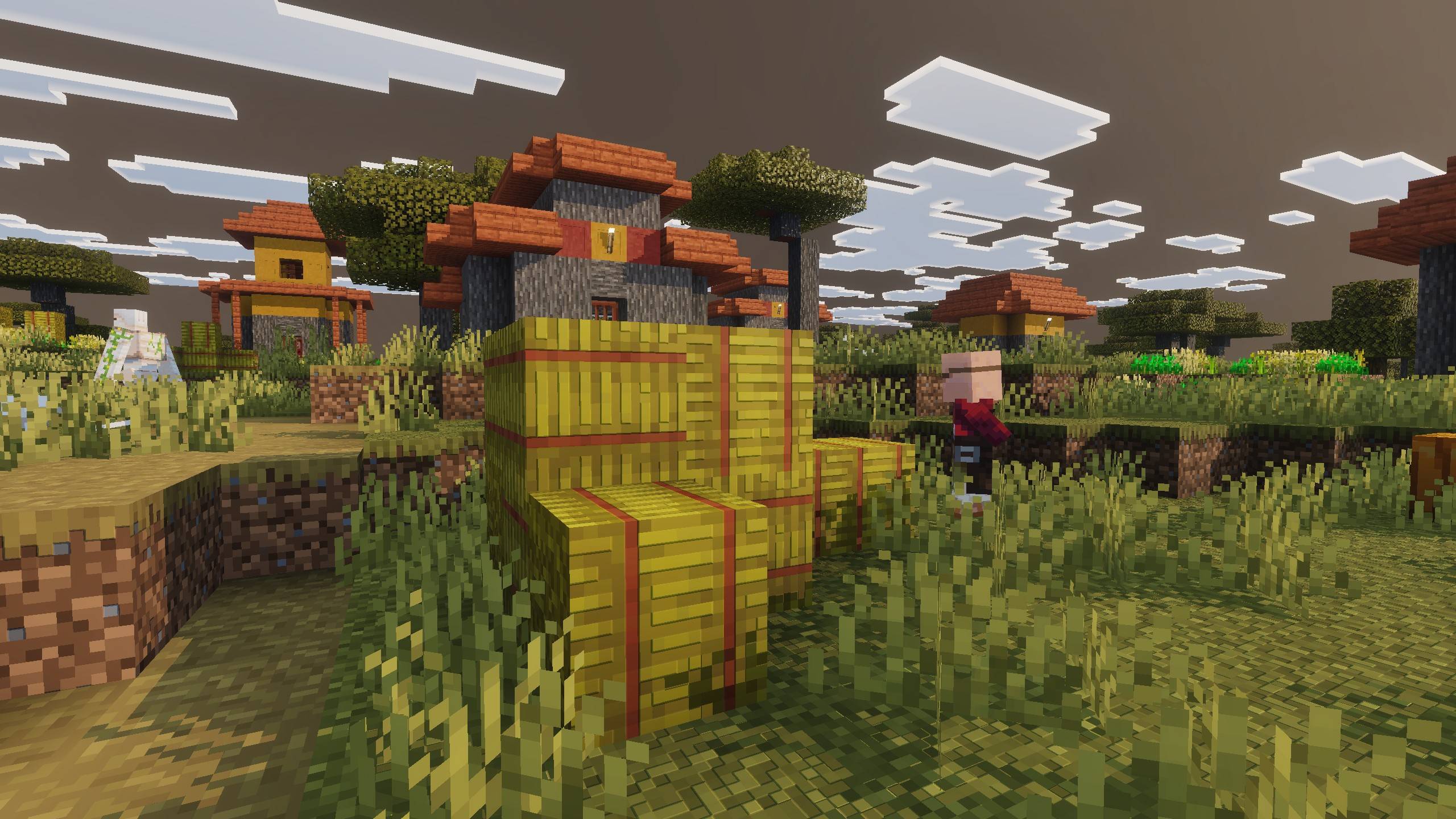
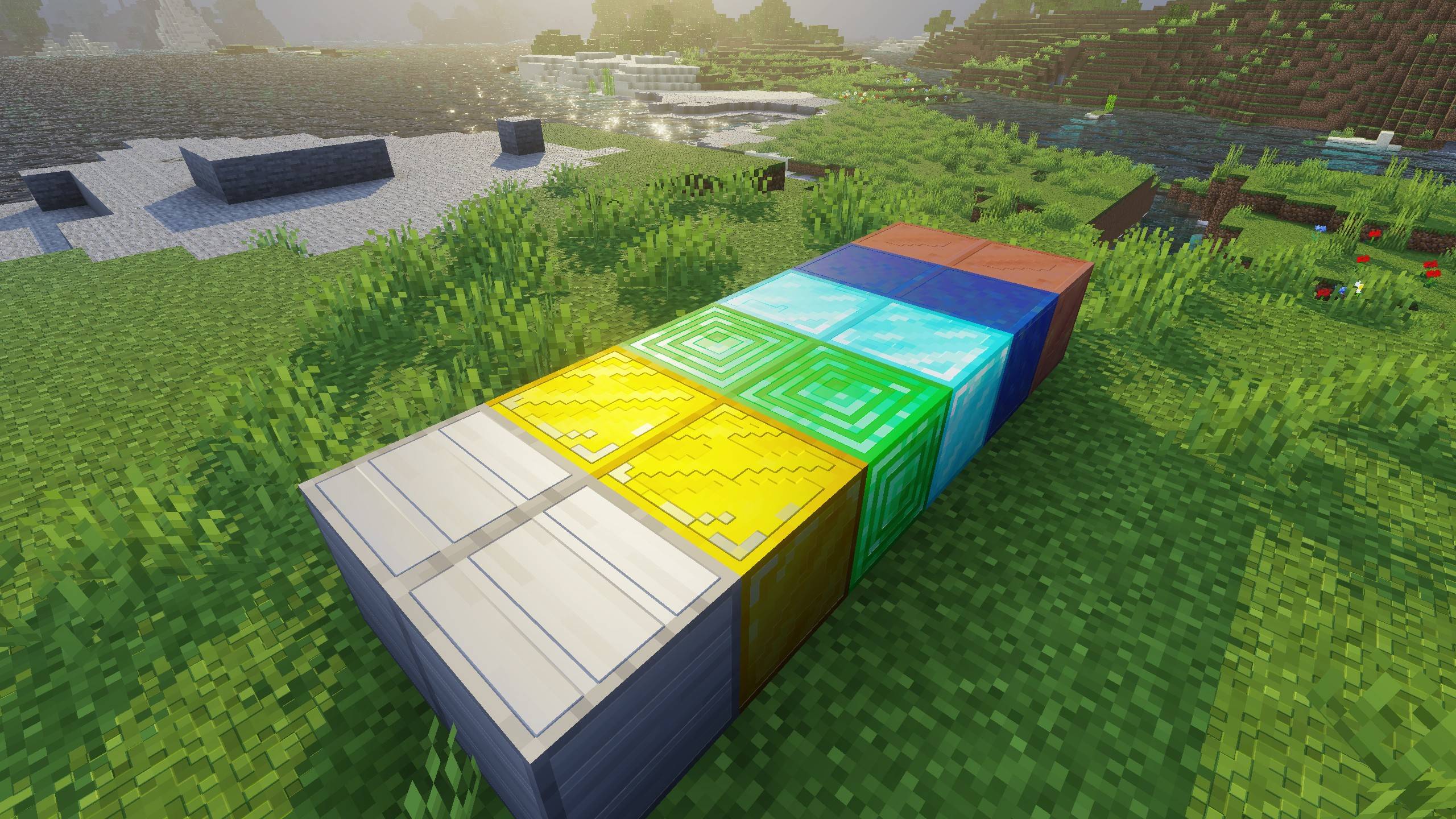
🔦 Lighting & Reflections!
This Version makes lighting and materials work together in harmony. When sunlight moves across a wall, you’ll notice tiny shadows in the cracks from the heightmaps and realistic light scatter from the MERS. You''ll also notice Light going through pixels of leaves and other blocks. Metal , Glass, etc blocks has better and more prominent reflections.
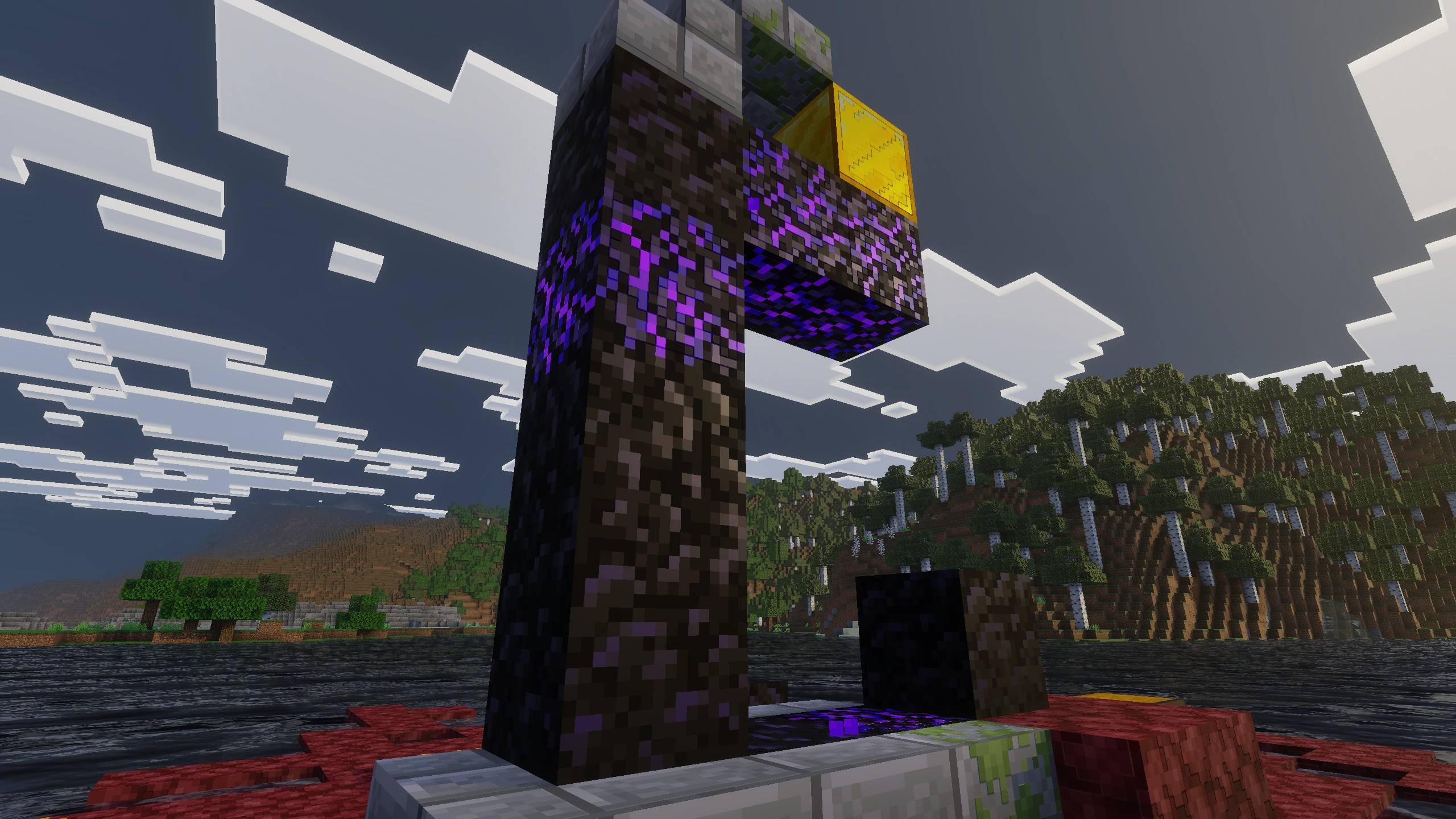
🌊 Water, Shadows, and Atmosphere
The ultra-realistic water and blocky shadows from the base shader are still here, but they now interact with MERS and heightmaps for extra realism. Water ripples look richer when catching reflections, and shadows now have more character because they fall across textured surfaces instead of flat ones
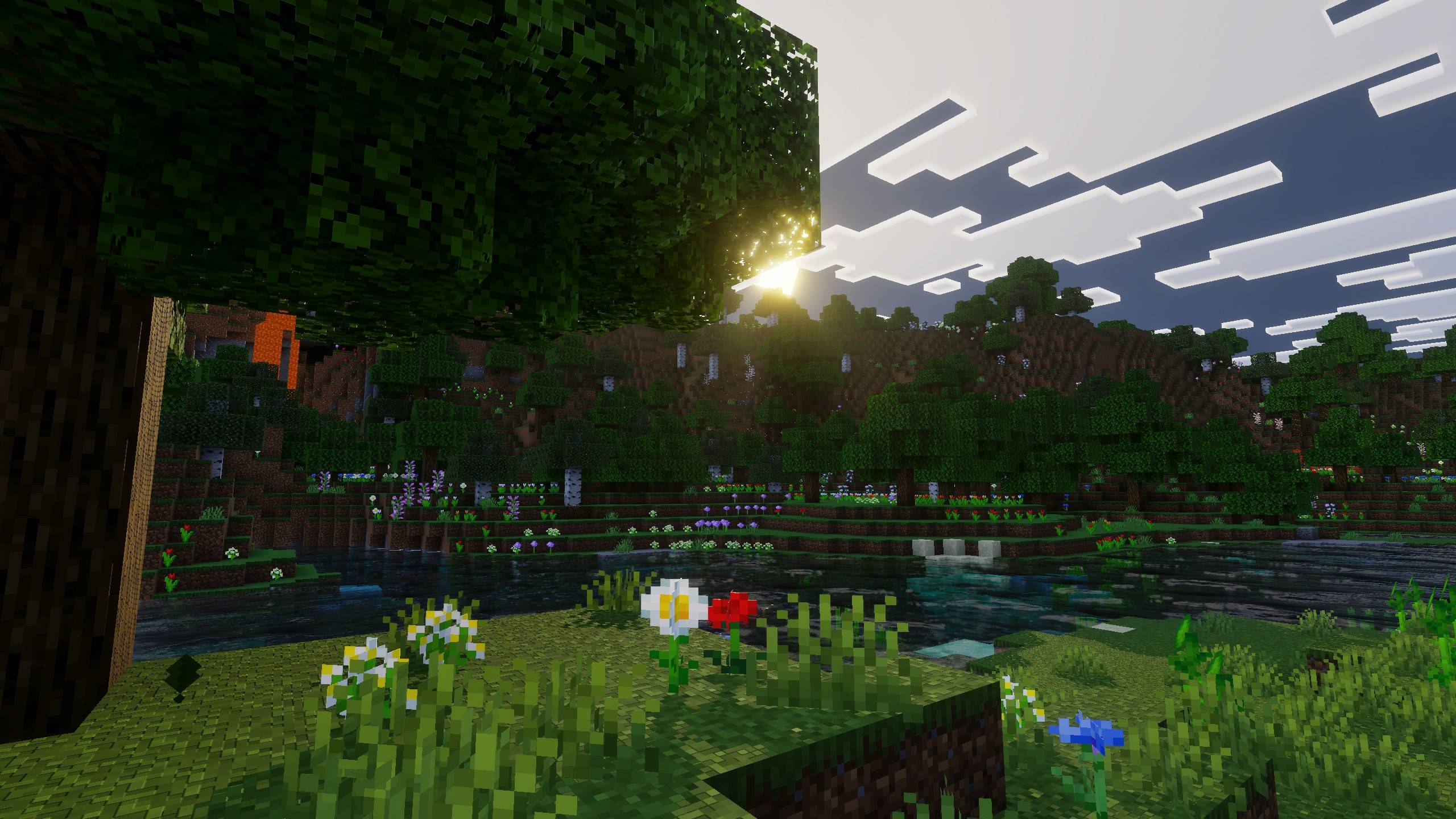
Recommended Video Settings:
First, activate the Lunac shaders in your world.
Make sure you're inside the world, then go to Settings > Lunac Settings.
In Graphics Mode, make sure "Vibrant Visuals" is selected.
Use "Favor Performance" mode for If you lacking behind interms of performace, And use "Favor Quality" Mode When you have extra head room for quality.
Set The Resolution as "Native" by moving the slider. Or else Quality becomes really bad.